 Contact Us
 Schedule Demo
Respond with information
Consult photos, signature and receipt data to support service when the customer questions a delivery.

Optimize routes based on capacity, urgency and delivery area.
View the status of deliveries by customer and team in real time.
Photos, digital signature, password and much more.
Connect your system via API or receive events via Webhooks.
Monitor, pause or redirect deliveries in real time.
Complete control of deliveries directly on the delivery person's cell phone.
Send SMS, WhatsApp or email to the customer when the delivery is on its way or completed.
Discover the evolution of planning packaging and visualizing cargo in 3D.
Proof of delivery
Photos, signature and receipt information linked to the order. Give your team more context to check deliveries, respond to customers, and check receipts.
Explore a recorded delivery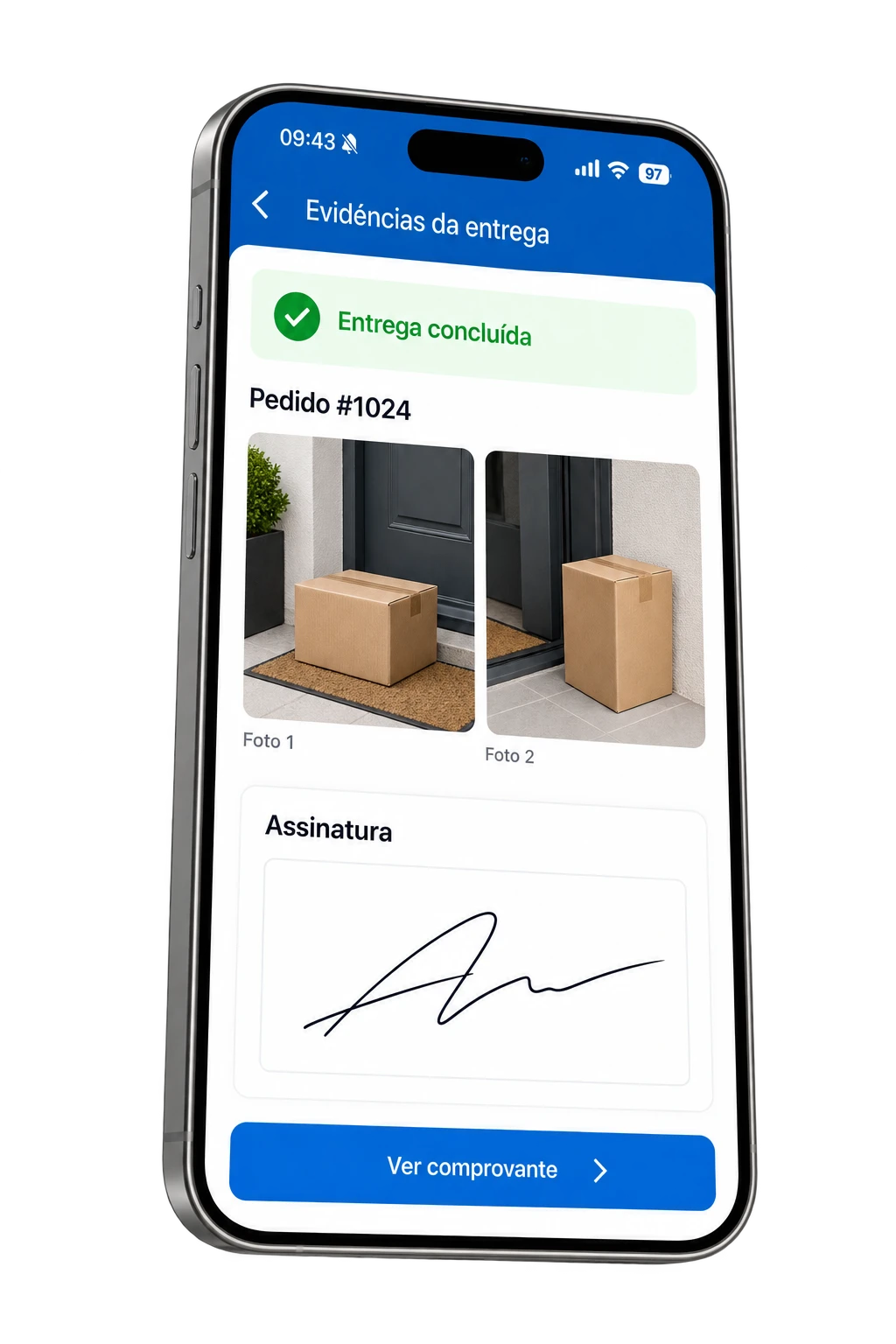
More context after delivery
Gather evidence in the order so that the information remains accessible to the operation after the delivery person leaves the location.
Consult photos, signature and receipt data to support service when the customer questions a delivery.
Keep records associated with the order, making it easy to consult without having to search for images in separate conversations.
Define the type of evidence and guide the delivery person on what needs to be collected in your operation.
Explore the registry
See how photos, signature and receipt information can make up the record of the same order.
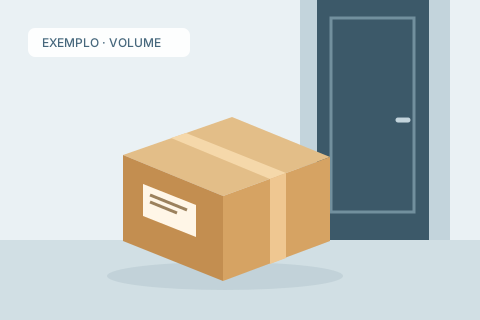
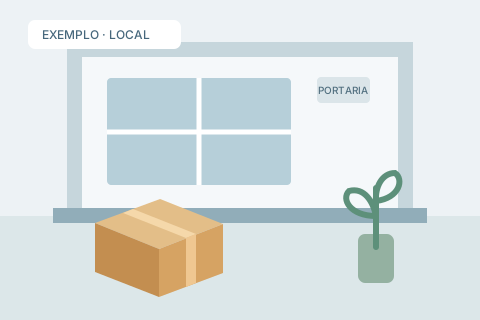
An example of collection with the volume and receipt location.
The signature captured on the cell phone screen accompanies the recipient's data.

The receipt helps to share the delivery record with those who need to check it.
 EXAMPLE OF PROOFReceiver's signature
On the web, your team can open and download photos attached to the order to check delivery details.
Registration starts with good orientation
Establish what is required in the confirmation and help your team record the right information.
Photograph the volume and location of receipt. Check that the images are clear before confirming.
The text appears in the app when the guidance is completed.
From collection to conference
Connect the confirmation made in the field to the consultation of those who need to respond and check.
In the application, it collects the evidence and fills in the receipt information according to the type of confirmation.
Get to know the applicationAfter sending to the system, the evidence is linked to the request to open the images, check the data and download the files.
Access the PDF of the delivery. Through the API, your integration can also query the evidence and receipt.
Learn about integrationBefore you start
Choose the type of record that makes sense for your deliveries.
Yes. Collection allows multiple photos, with limits defined by the company. This helps to record, for example, the volume and receipt location in the same order.
Yes. The Photo + Signature option combines the two records upon confirmation. There are also photo, signature or keyword options as per the request.
No. The company can fill out a free text with collection instructions. Once completed, it appears in the app at the time of confirmation.
The order brings together the collected records, the recipient's data and the delivery date. Photos may also include date, time and coordinates received from the device, depending on the data available at collection.
Yes. The Web allows you to consult the evidence and download proof of delivery. The API offers photo, signature, file and PDF queries for delivered orders, depending on the registered content.
More clarity in confirmation
Learn about Entregui evidence collection and define the confirmation standard for your operation.